For hosts
Back local businesses and a cause you care about
You already have the foot traffic. List your window, counter, screen or wall free, help other local businesses get seen, and every booking gives to a charity you choose.
How it works
It's this easy
- 1
List it
A photo and a price. Free.
- 2
They find you
A local advertiser books your space.
- 3
Advert arrives
It's sent to you or dropped in.
- 4
Put it up
Snap a quick photo so they know it's up.
- 5
You beauty!
All done. The money goes to your bank.
You never design or print a thing. The advert is always supplied to you.
Find your kind of place
Built for the place you run
 GymsMirrors your members look at between every set.
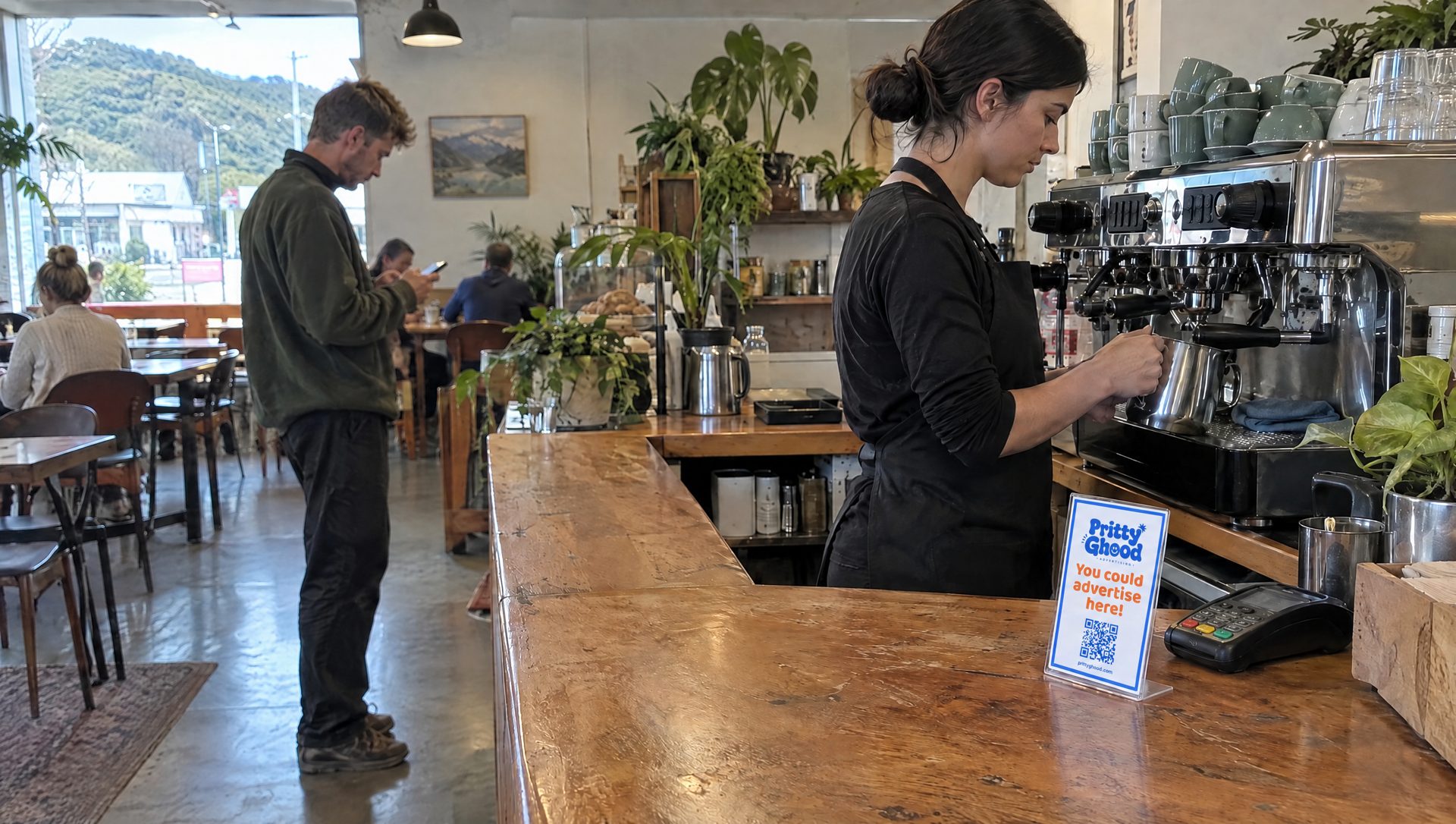 Cafes and restaurantsCounter signs, table tents and the screen on the wall.
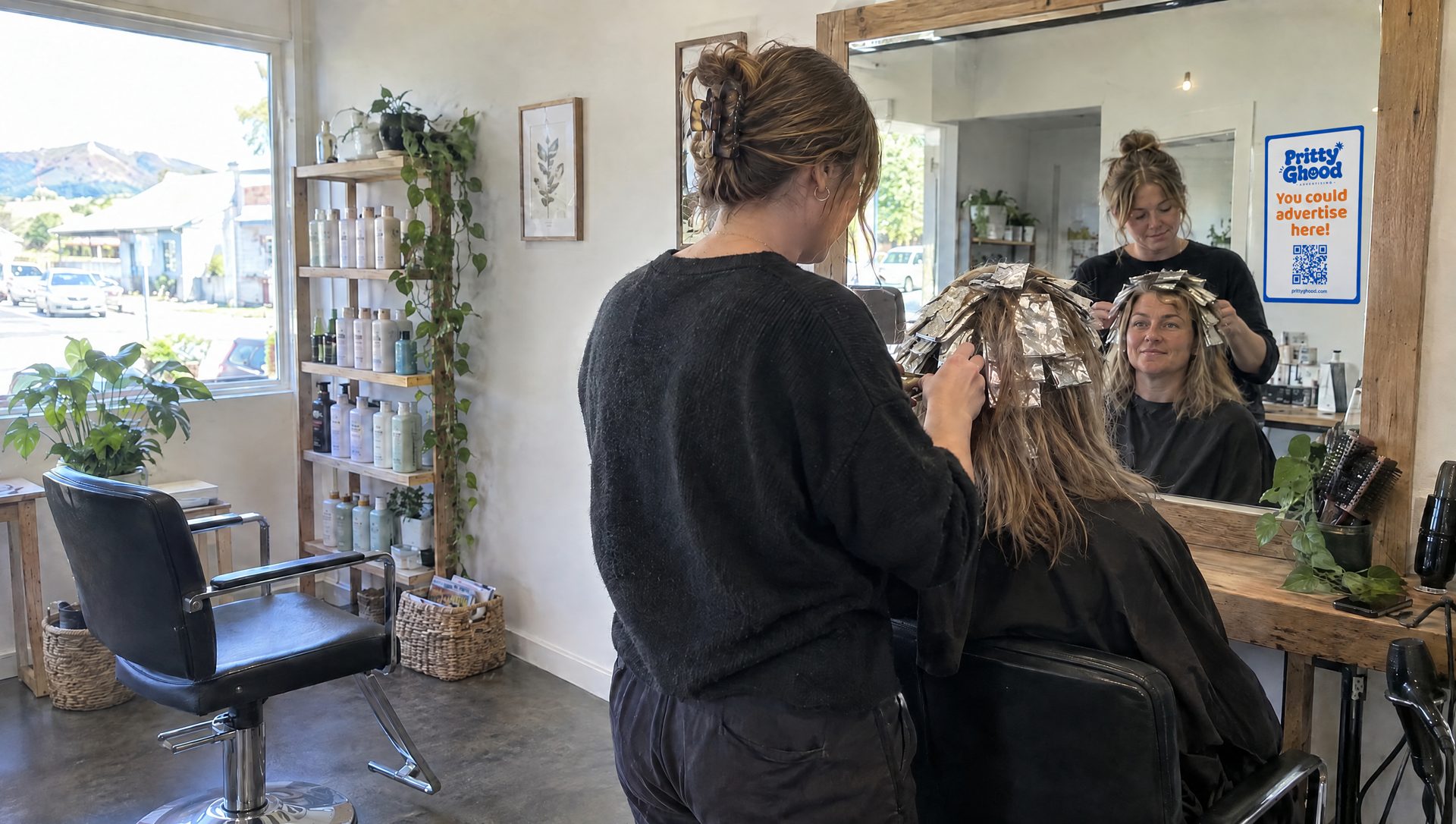 Hair and beautyStation mirrors and a reception wall, seen for an hour at a time.
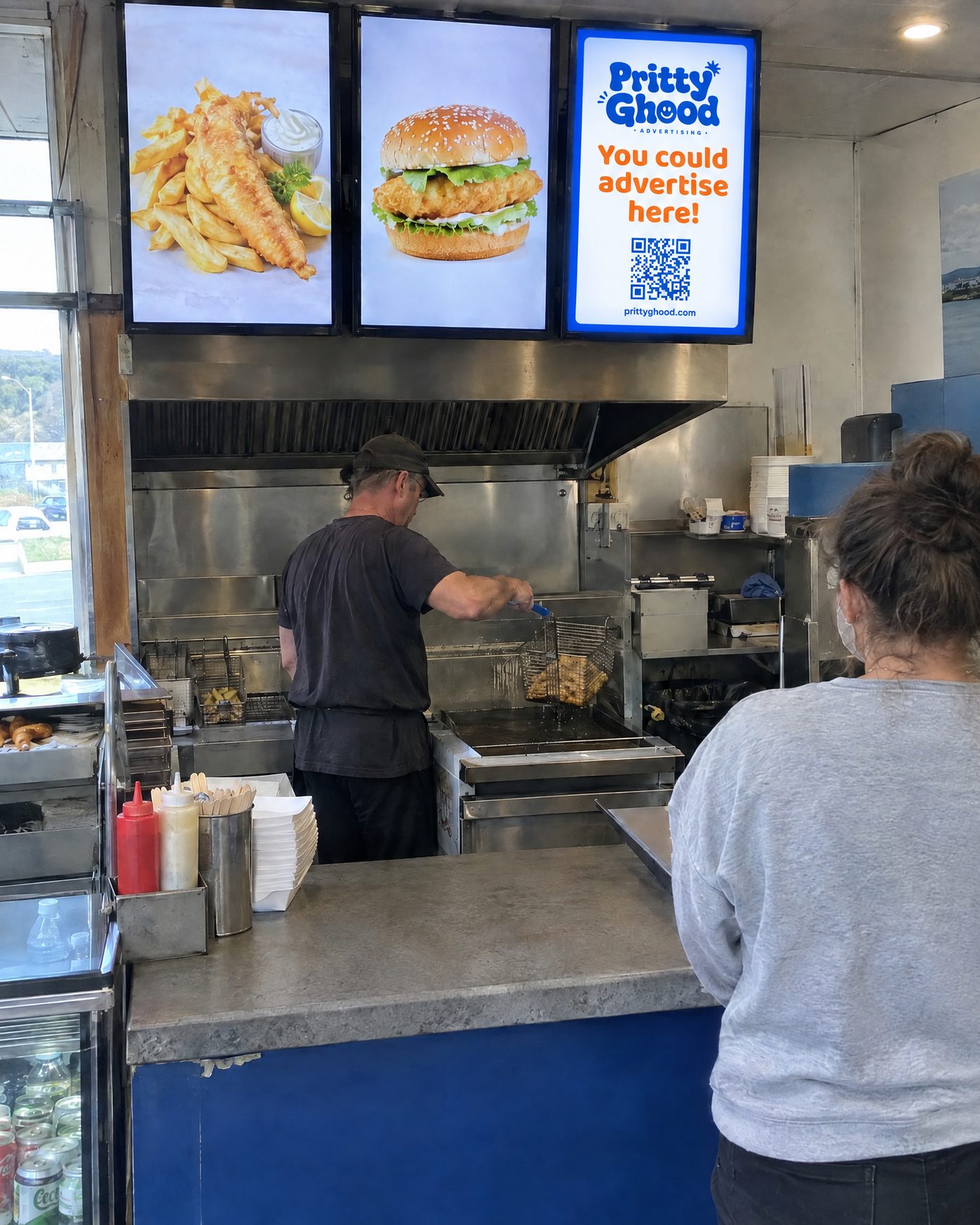 TakeawaysMenu screens and the counter, read by every hungry queue.
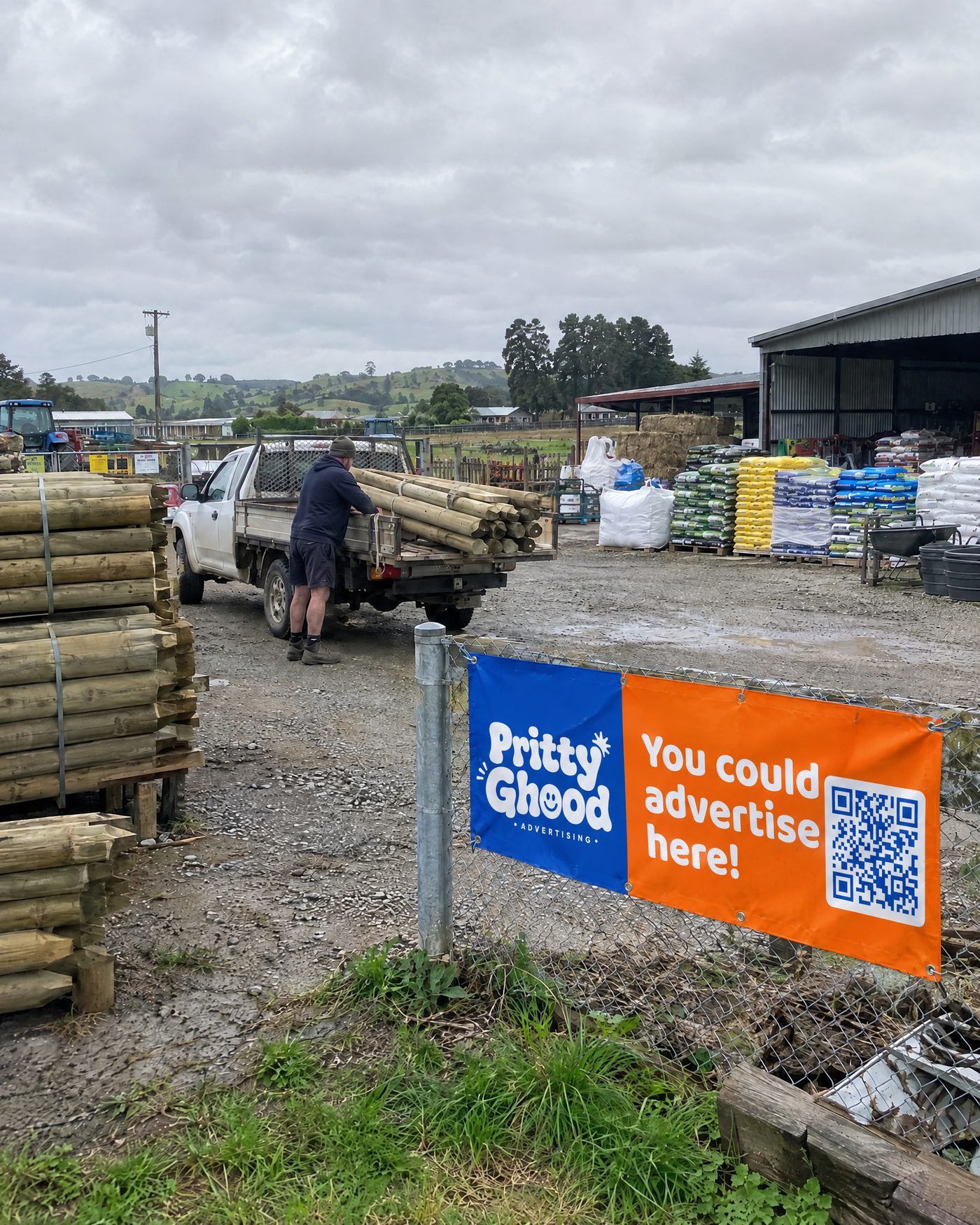 Trade suppliersThe trade counter and the yard fence every tradie walks past.
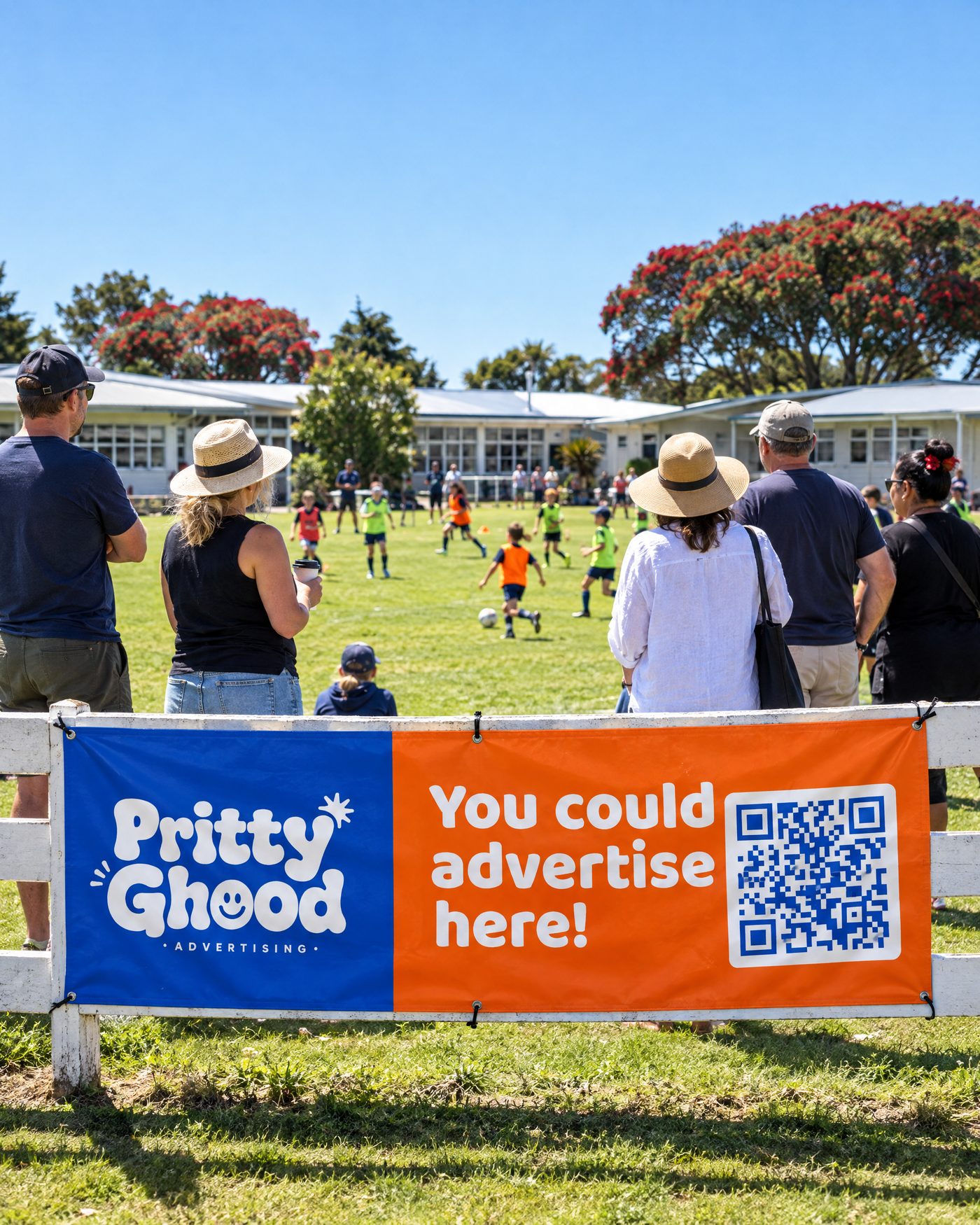 SchoolsThe field fence, the hall and the gate at pickup.
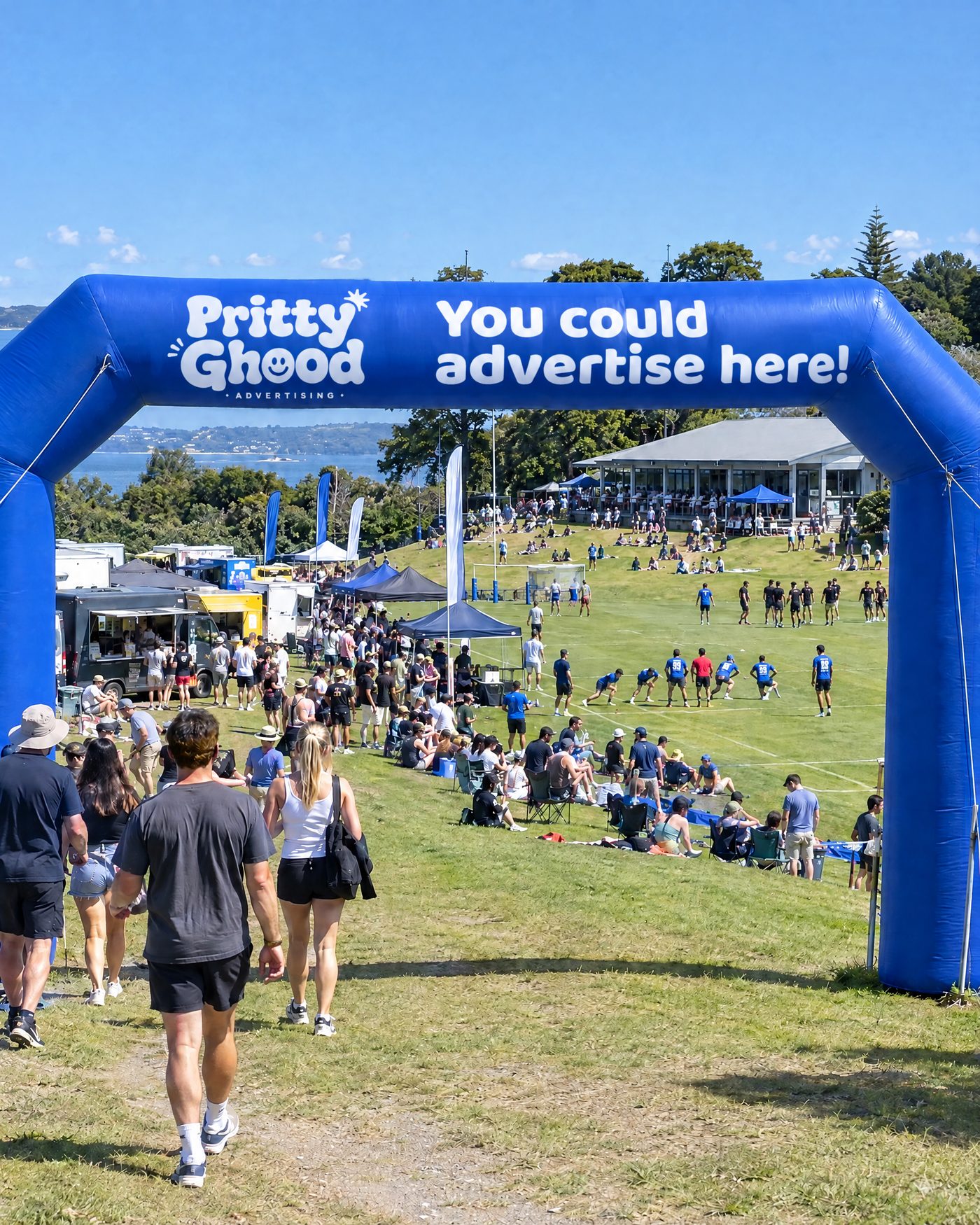 Events and showsBanners, flags and naming rights for a day or a season.
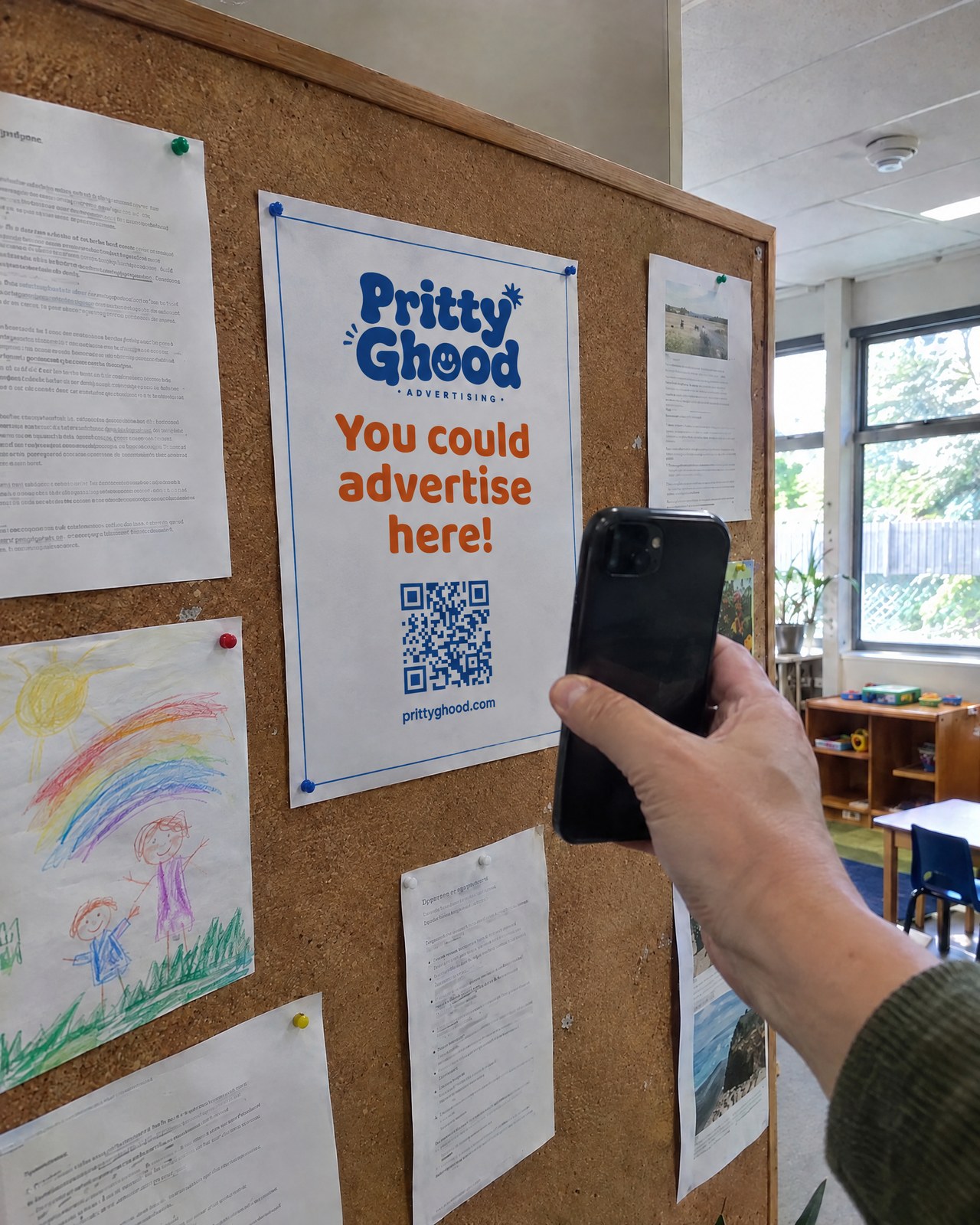 Childcare centresThe noticeboard and sign-in desk every parent passes twice a day.
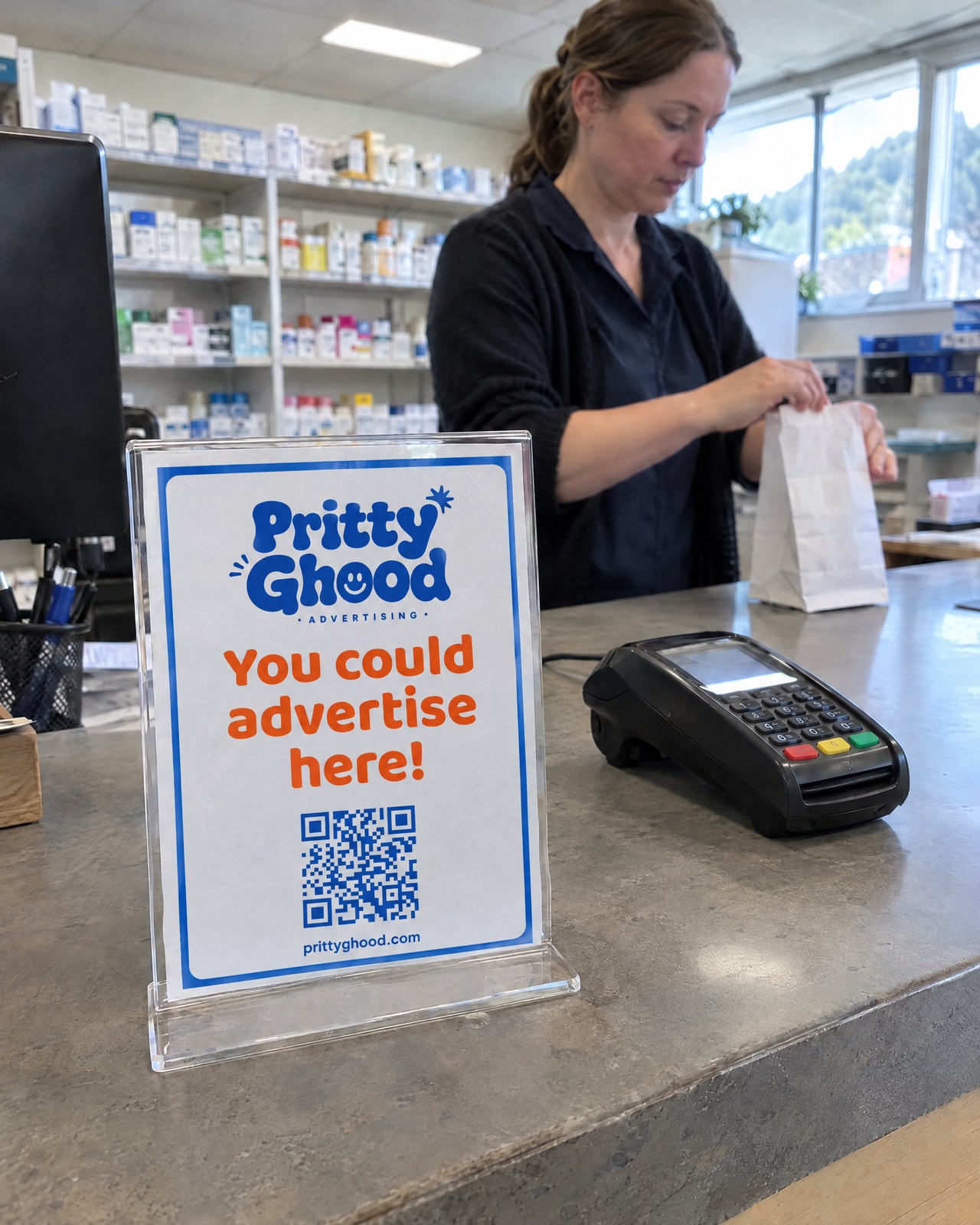 PharmaciesThe counter and window, read while every prescription is filled.
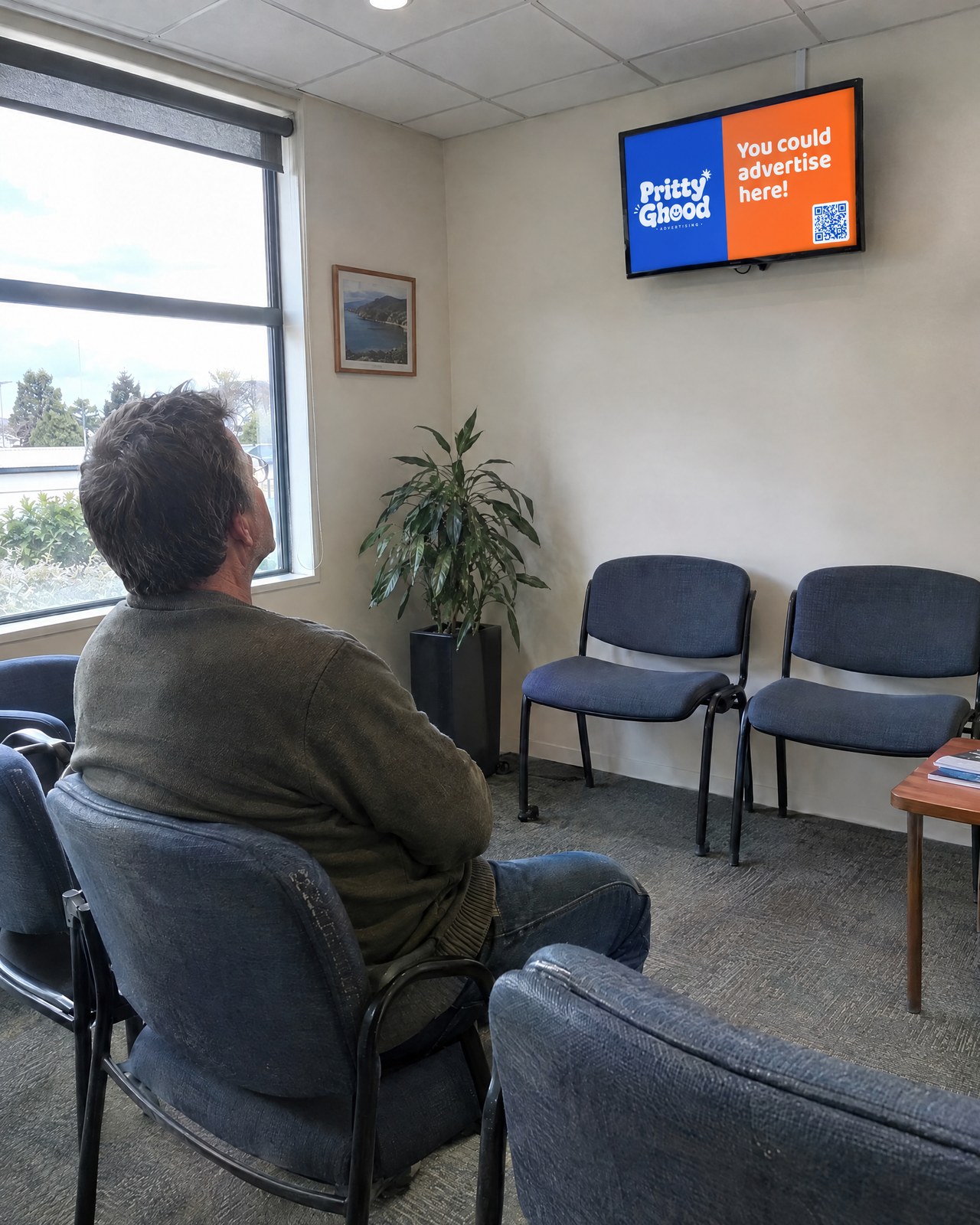 Medical centresThe waiting room screen and flyer stand patients read while they wait.
Gives to a charity you choose
Every booking makes a donation to the local cause you pick, on top of what you earn. Change it in your settings whenever you like.
Supporting local
Your spaces help other local businesses reach the people who live and work nearby. What you earn is yours to keep, give away or share with the team.
Free to list
No upfront cost and no monthly fee. Listing your space is completely free.
You stay in control
Approve or decline every request, review the artwork first, and block out dates whenever you need.
Simple bookings
Bookings from 2 weeks to 12 months, priced by the week, month or year. You choose what you offer.
Look professional
A polished public listing with photos, your business profile, and a clear price.
What can you list?
More space than you think
If people see it, you can rent it. Hosts list all of these and more.
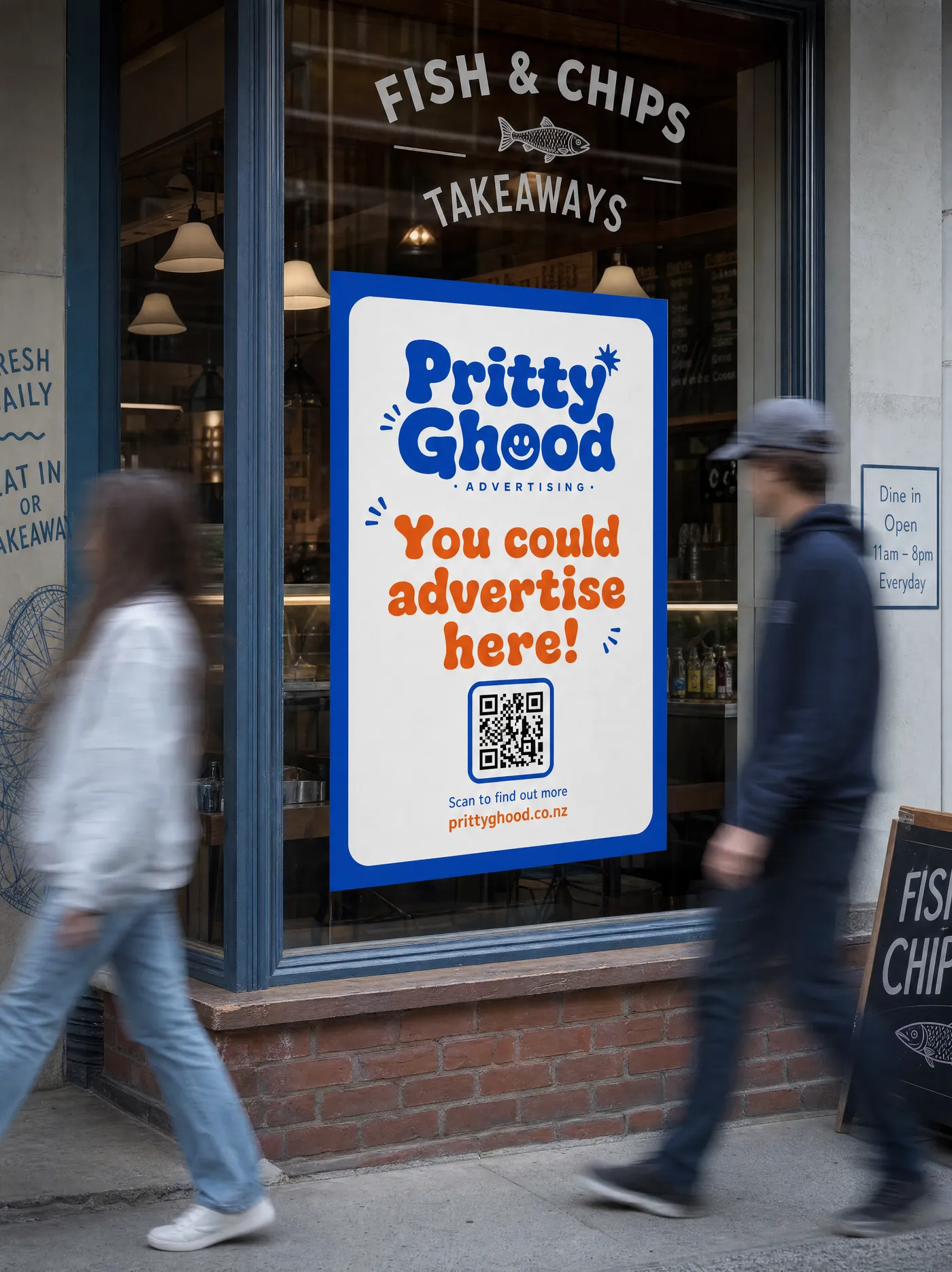
Window posters
Street-facing glass seen by every passer-by.
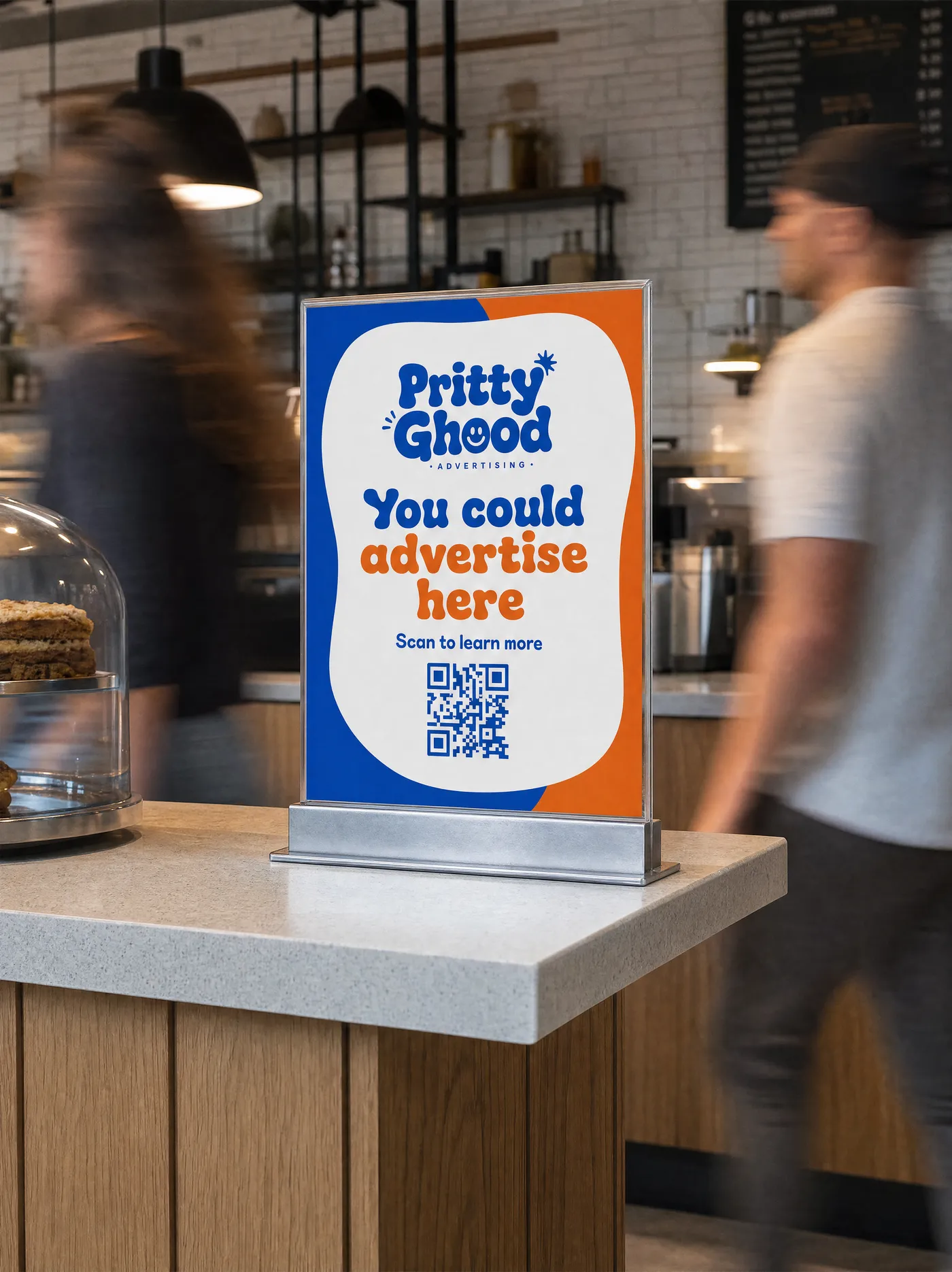
Counter displays
Right at the till, where people wait and pay.
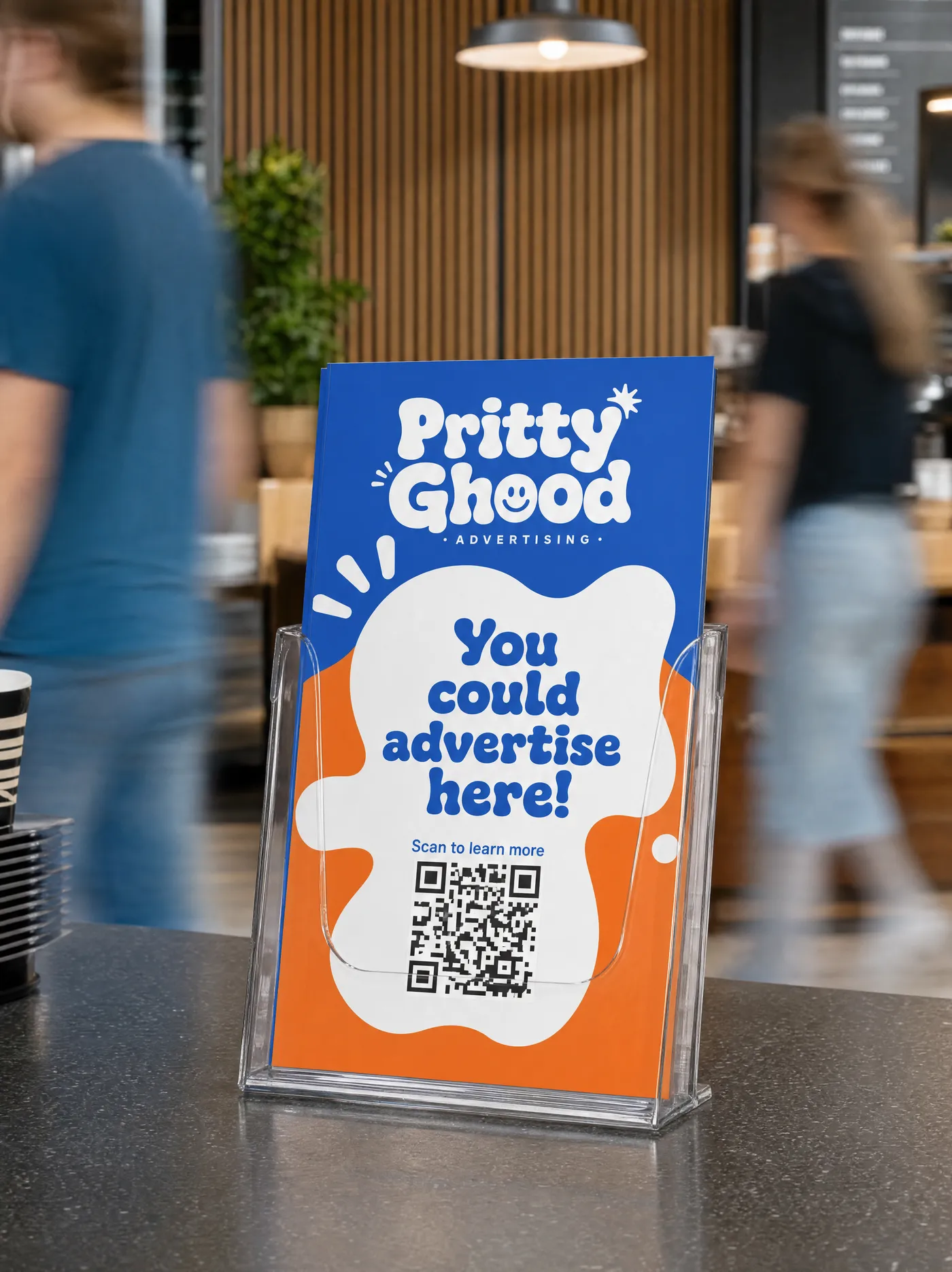
Flyer stands
Take-one leaflets and brochures near the door.
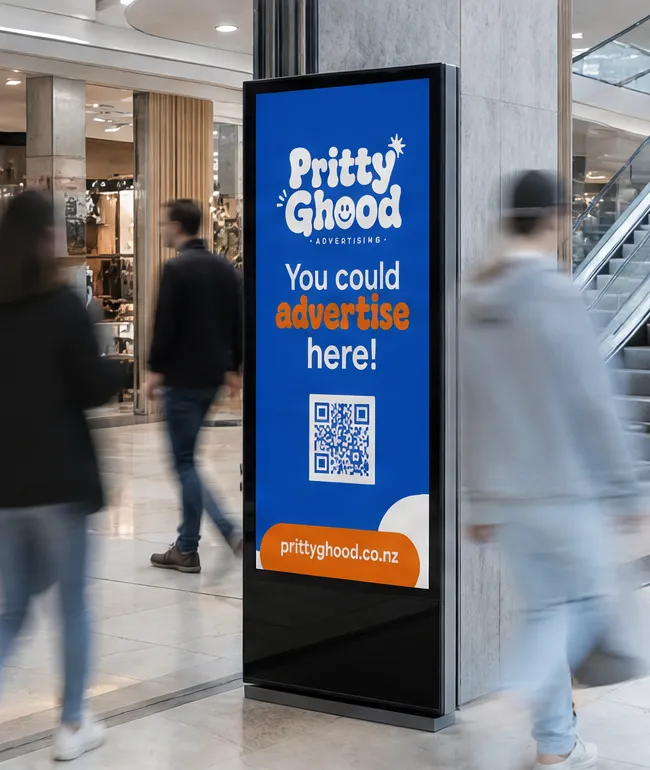
Wall screens
A screen on the wall, running your ad in rotation.
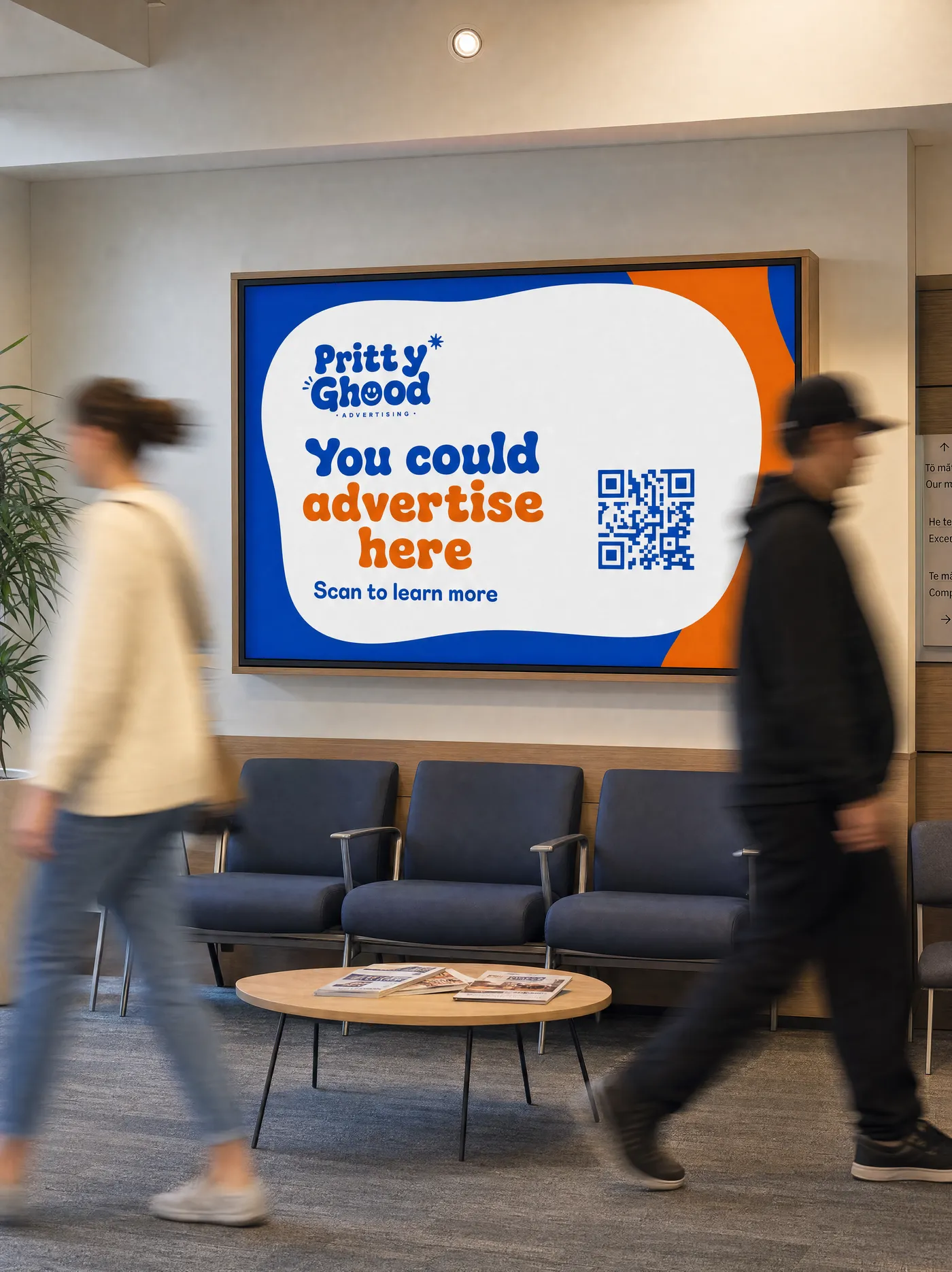
Waiting-room screens
A captive audience with time to read.
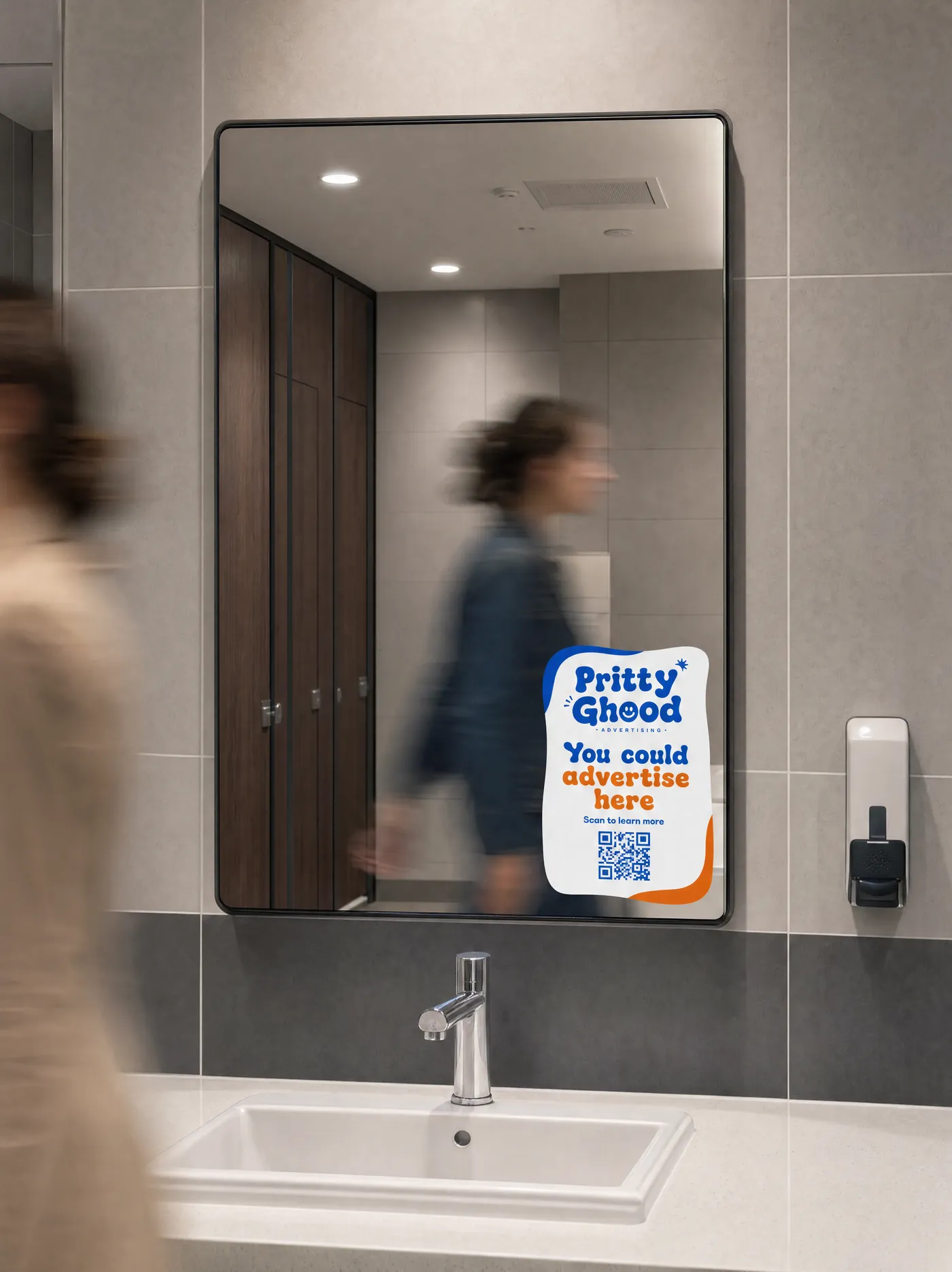
Mirror decals
On a bathroom or gym mirror: eye-level and undistracted.
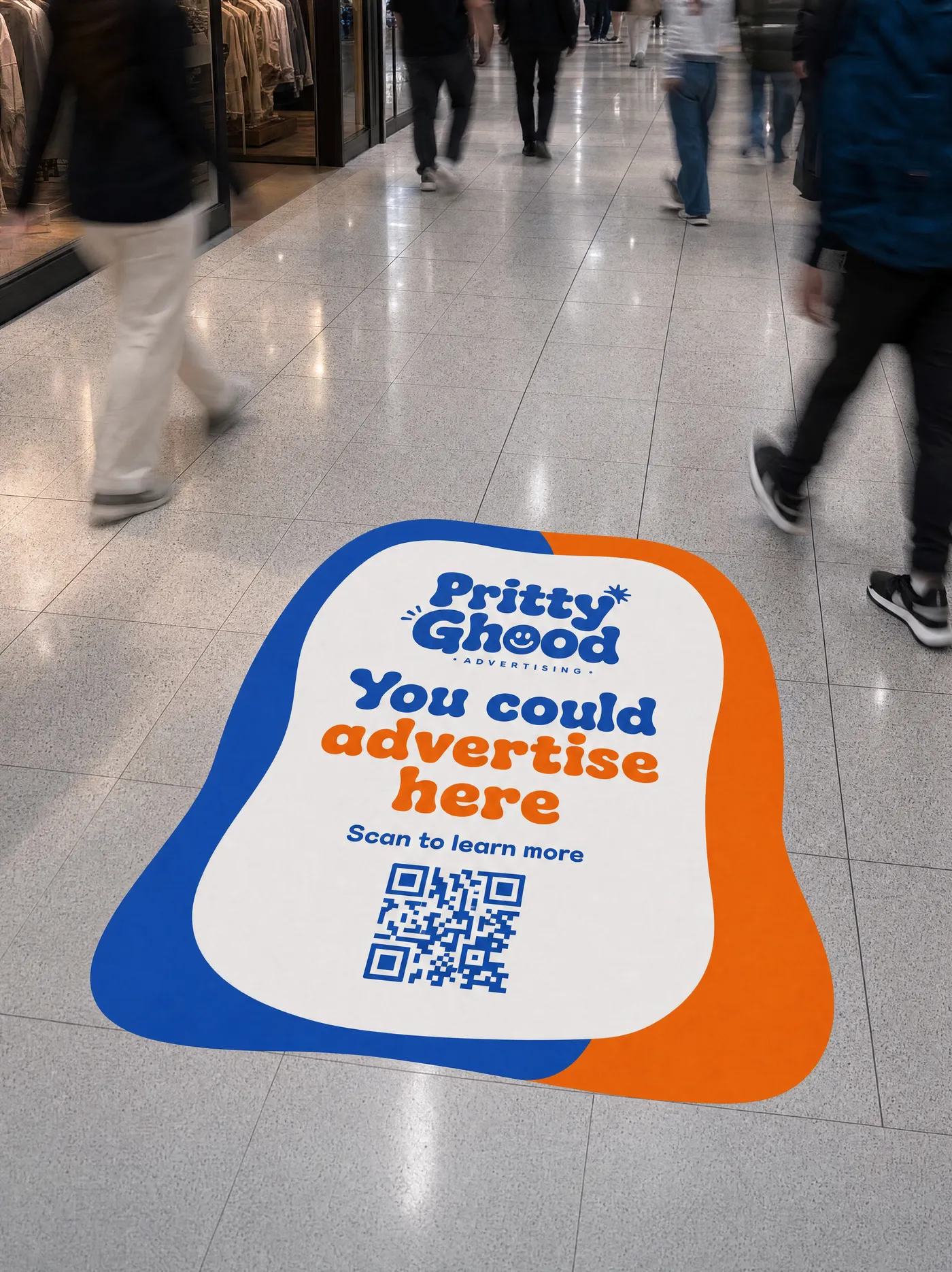
Floor decals
Underfoot graphics that guide and grab attention.
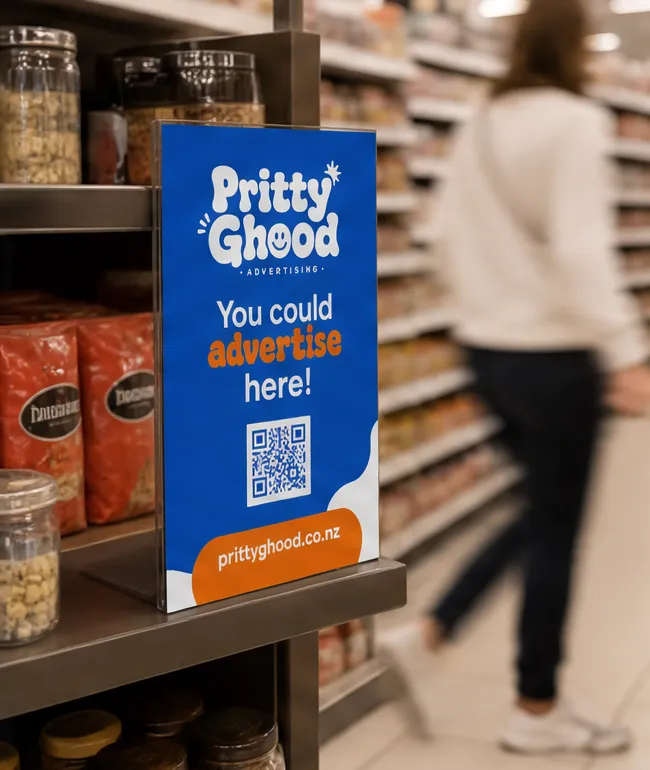
Product displays
Shelf and end-cap space alongside stock.
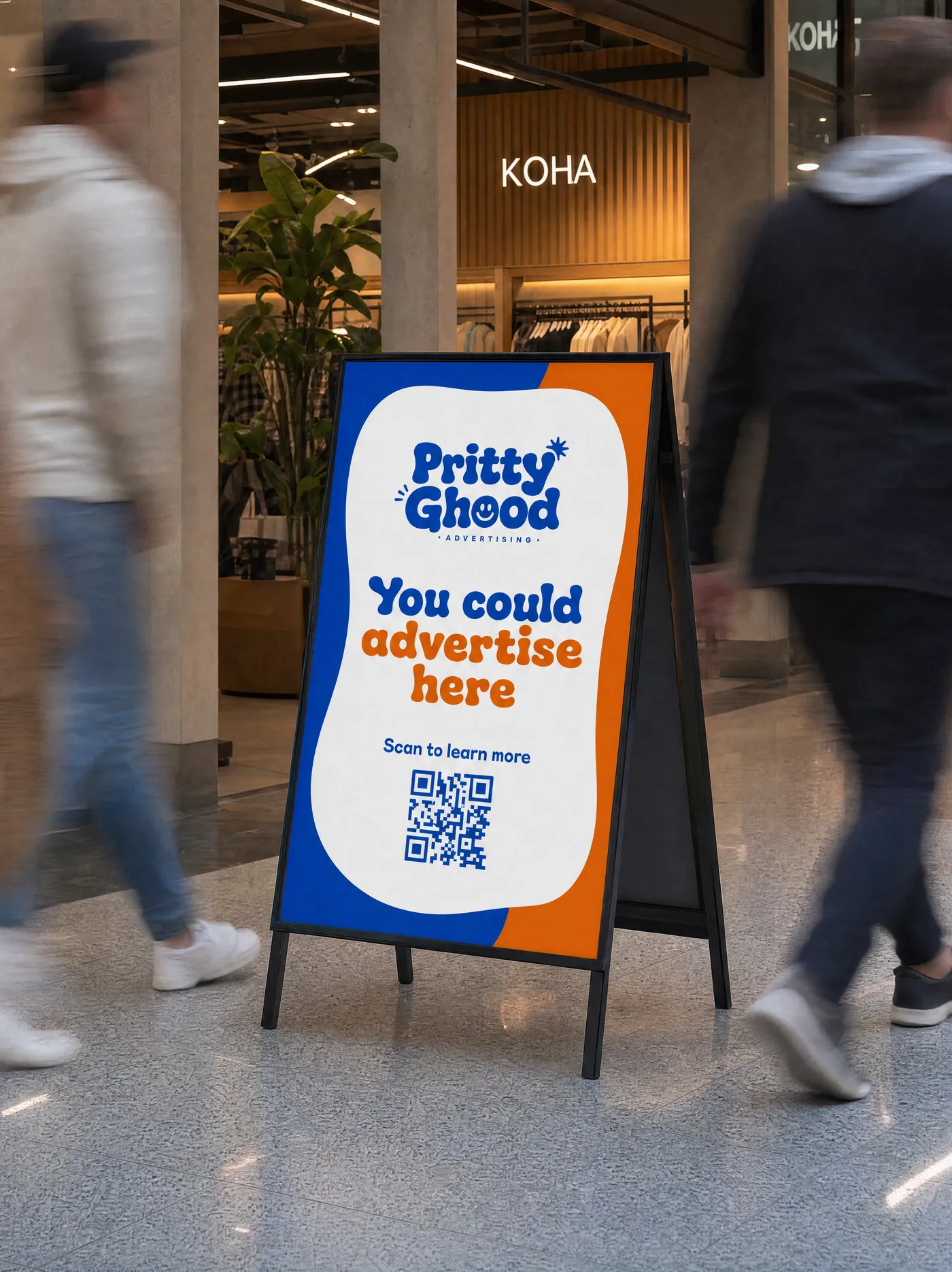
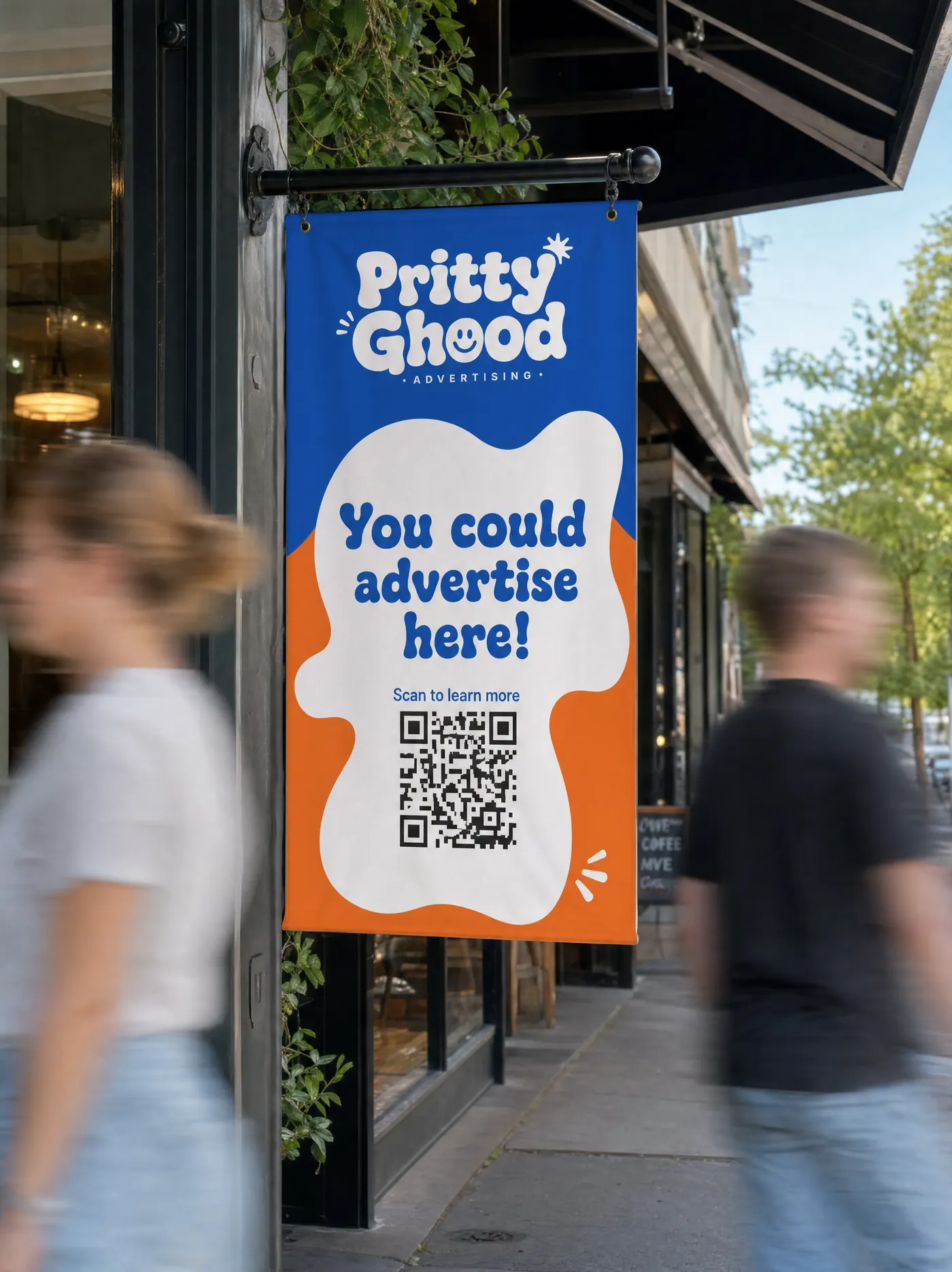
Outdoor signage
Fences, walls and exterior panels.
A-frames
A board on the footpath, right where they walk.
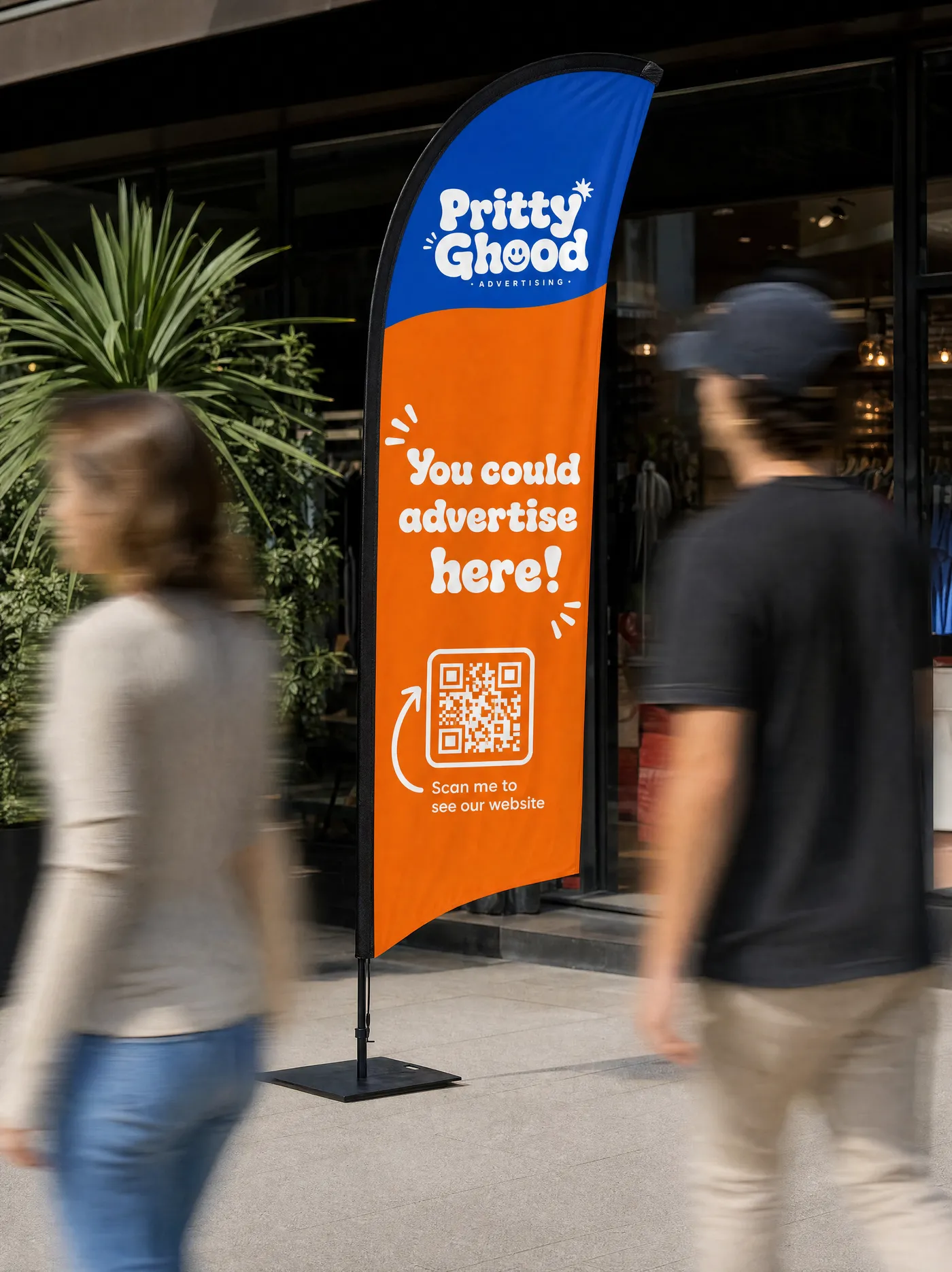
Outdoor flags
A teardrop or feather flag that moves and catches the eye.
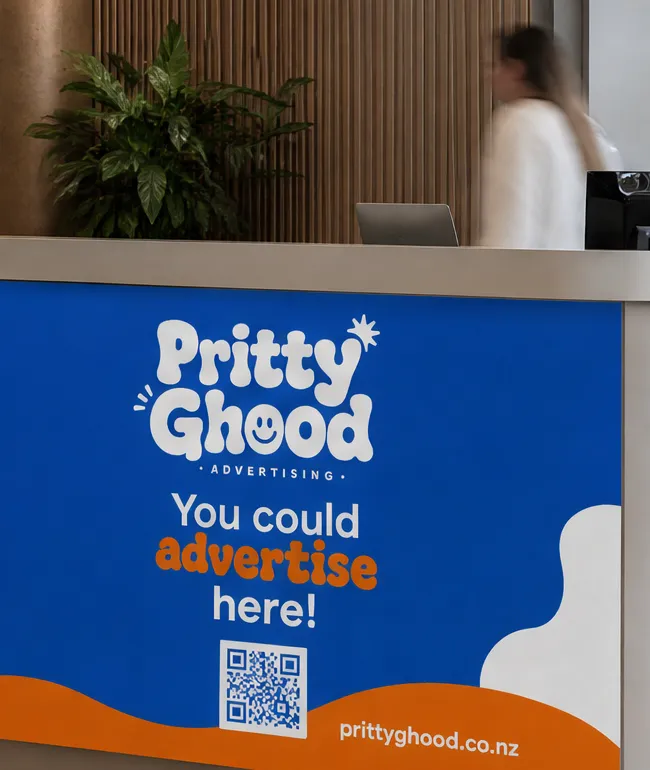
Reception areas
Front-desk and lobby space that sets the tone.
Entrance posters
The first thing seen on the way in.
Front desk displays
On the desk, at the moment they are already talking to you.
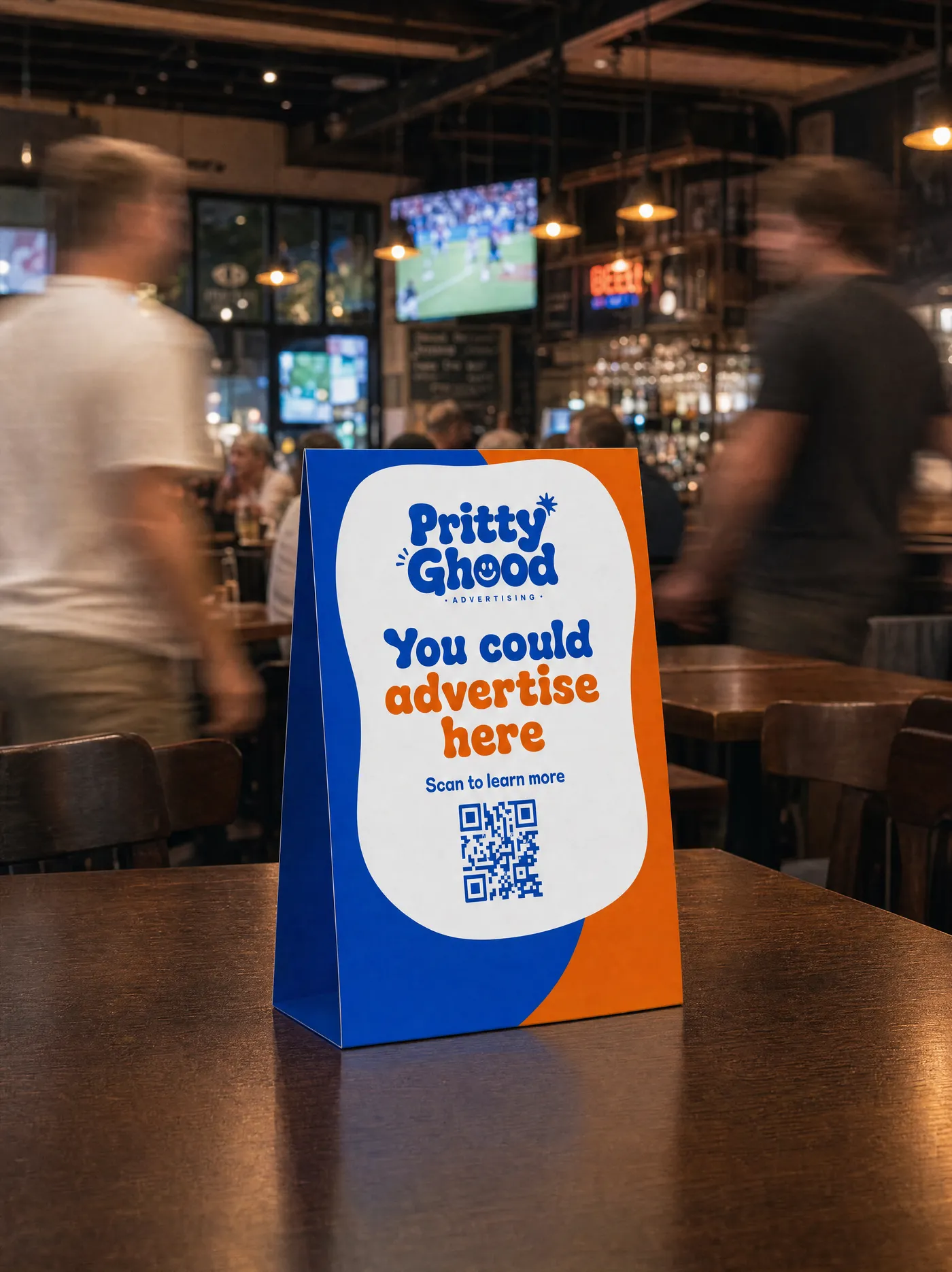
Table tent displays
A folded card on the table, read while they wait.
Poster frames
A framed poster on a wall or in a hallway.
Bathroom posters
A framed poster in the washroom, read for a full minute.
Coasters
Under every drink on the bar and the tables.
Bar runners
The printed mat along the bar, in front of everyone waiting.
Wall decals
Printed vinyl on an interior wall.
Lift decals
Lift doors and the inside of the car, with nothing else to look at.
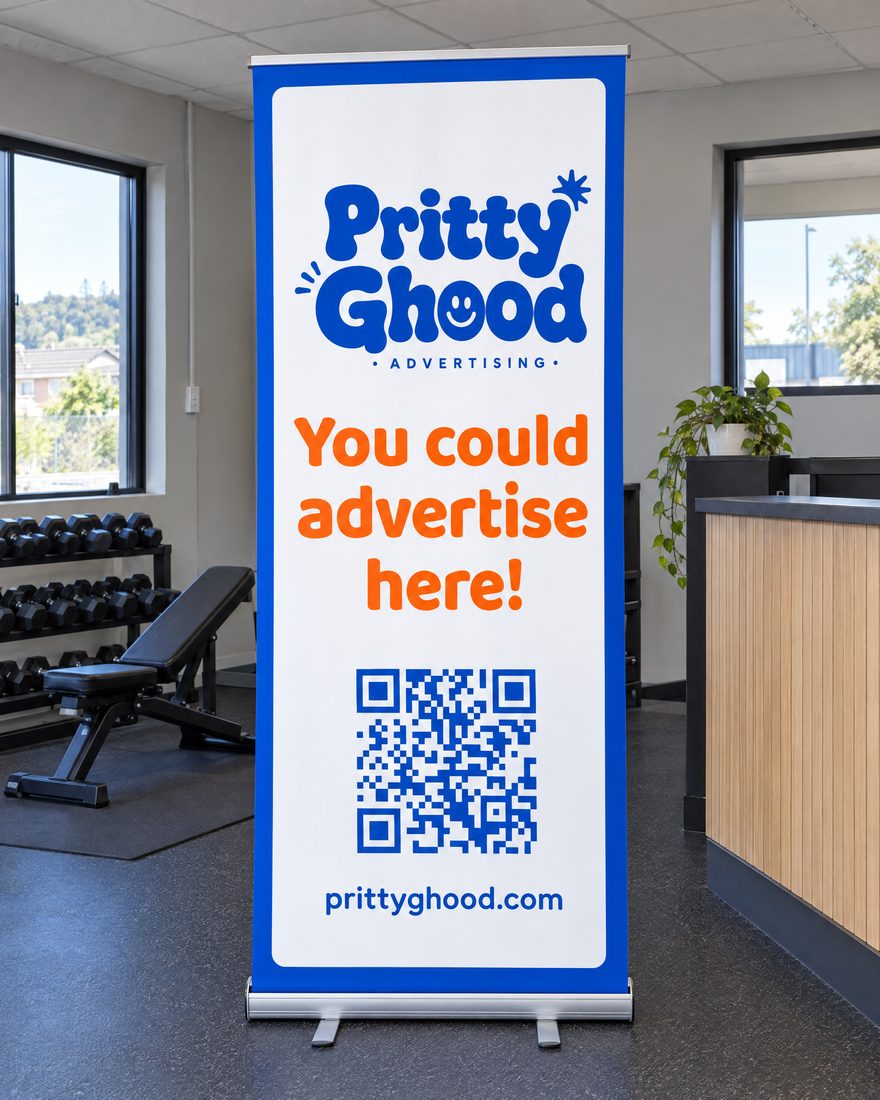
Pull-up banners
A roller banner standing in the foyer or by the counter.
Car park billboards
A board on the car park fence or wall, seen on the way in and out.
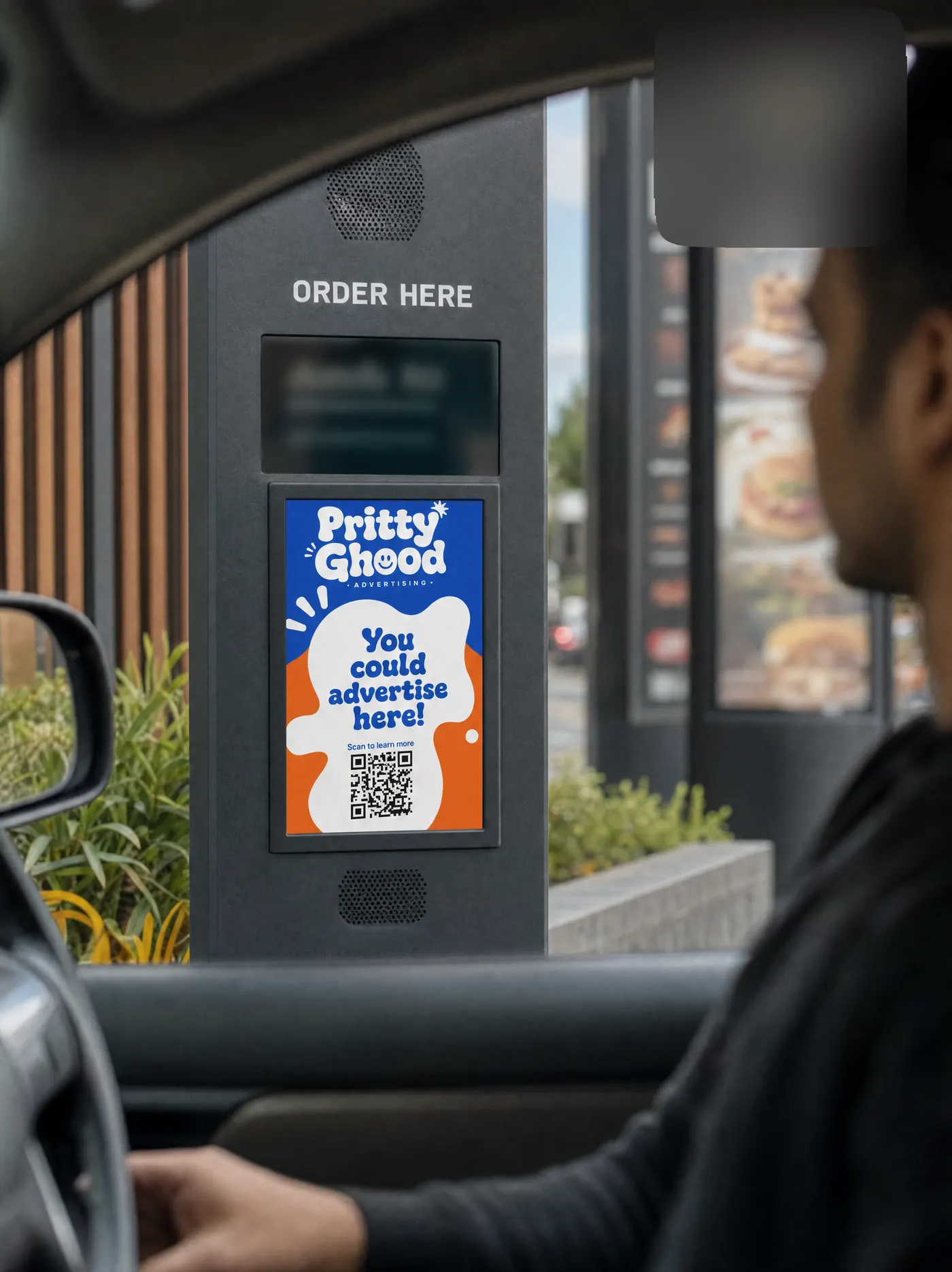
Window screens
A screen facing the street through the glass, day and night.
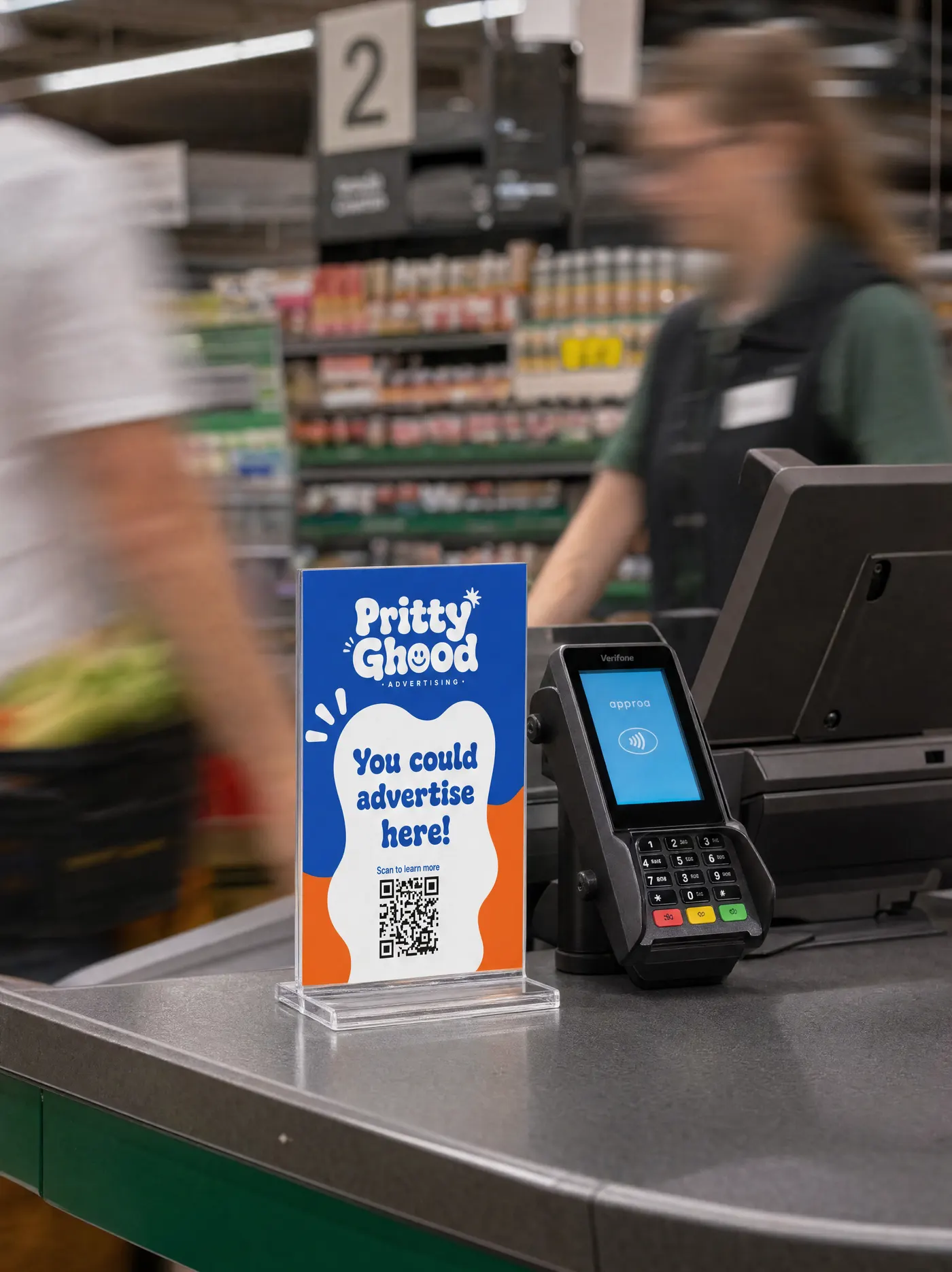
Counter screens
A small screen at the till, at the moment they pay.
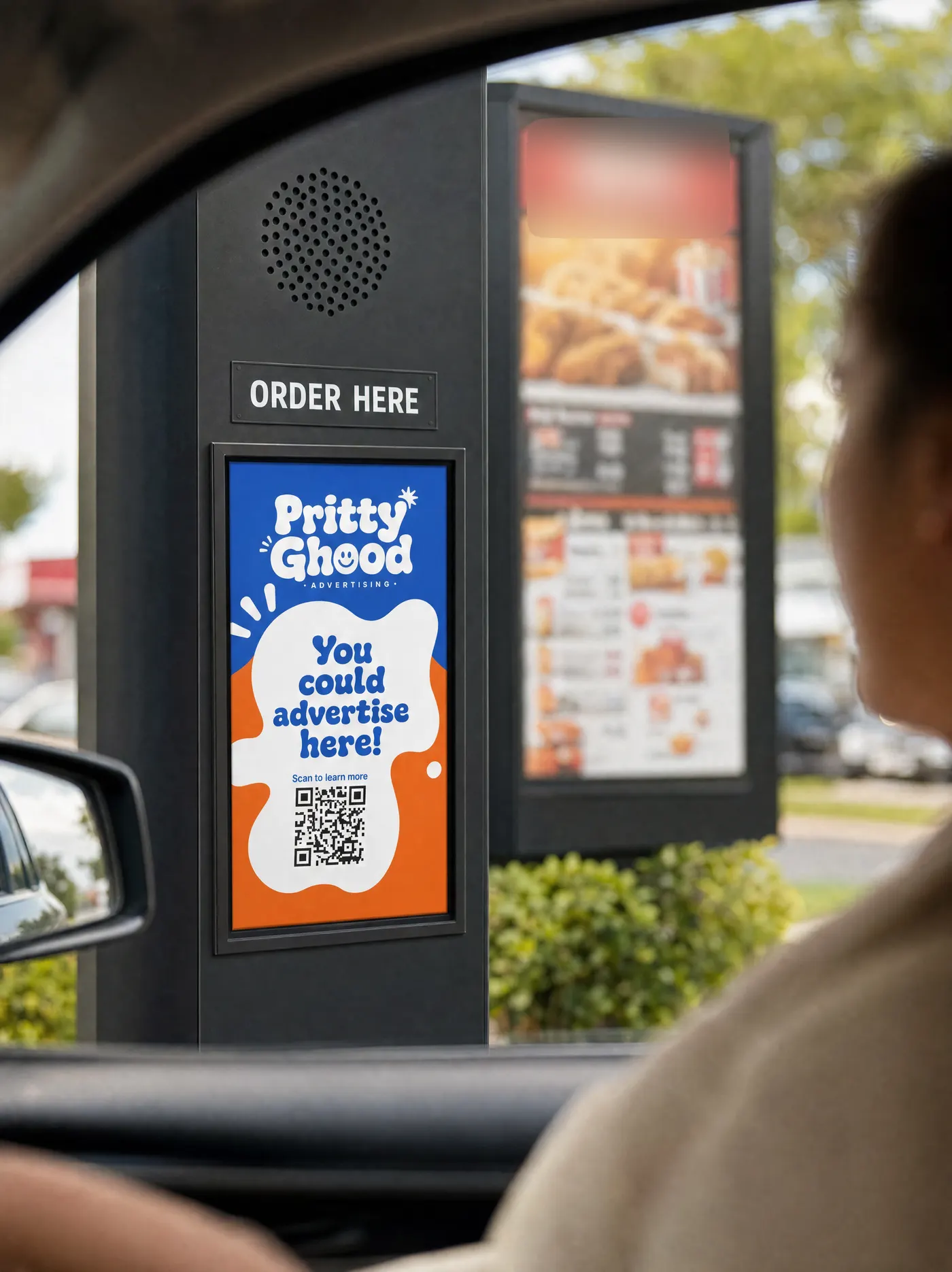
Menu board screens
An ad slot on a menu screen, read by everyone ordering.
Digital billboards
An outdoor LED sign, seen from the road.
Club sponsorship
Back a local club or team for a season.
Event sponsorship
Put your name on a one-off event.
Host questions
Common host questions
How much can I earn?
You set the price for your space, by the week, the month or the year, and earn from every booking you accept.
Do I have to accept every booking?
No. You review the advertiser, their dates and their artwork, then accept or decline within 72 hours. Nothing is charged until you accept.
When do I get paid?
Payment is captured when you accept a booking and paid out to your connected bank account via Stripe.
What if I need the space back?
Block out any dates you need in your calendar. Confirmed bookings are protected, but future dates are always yours to manage.
Guides for hosts